Ace Combat X HD Texture Pack
Contents
Download
[Download - Mega]
[Download - Google Drive]
Overview
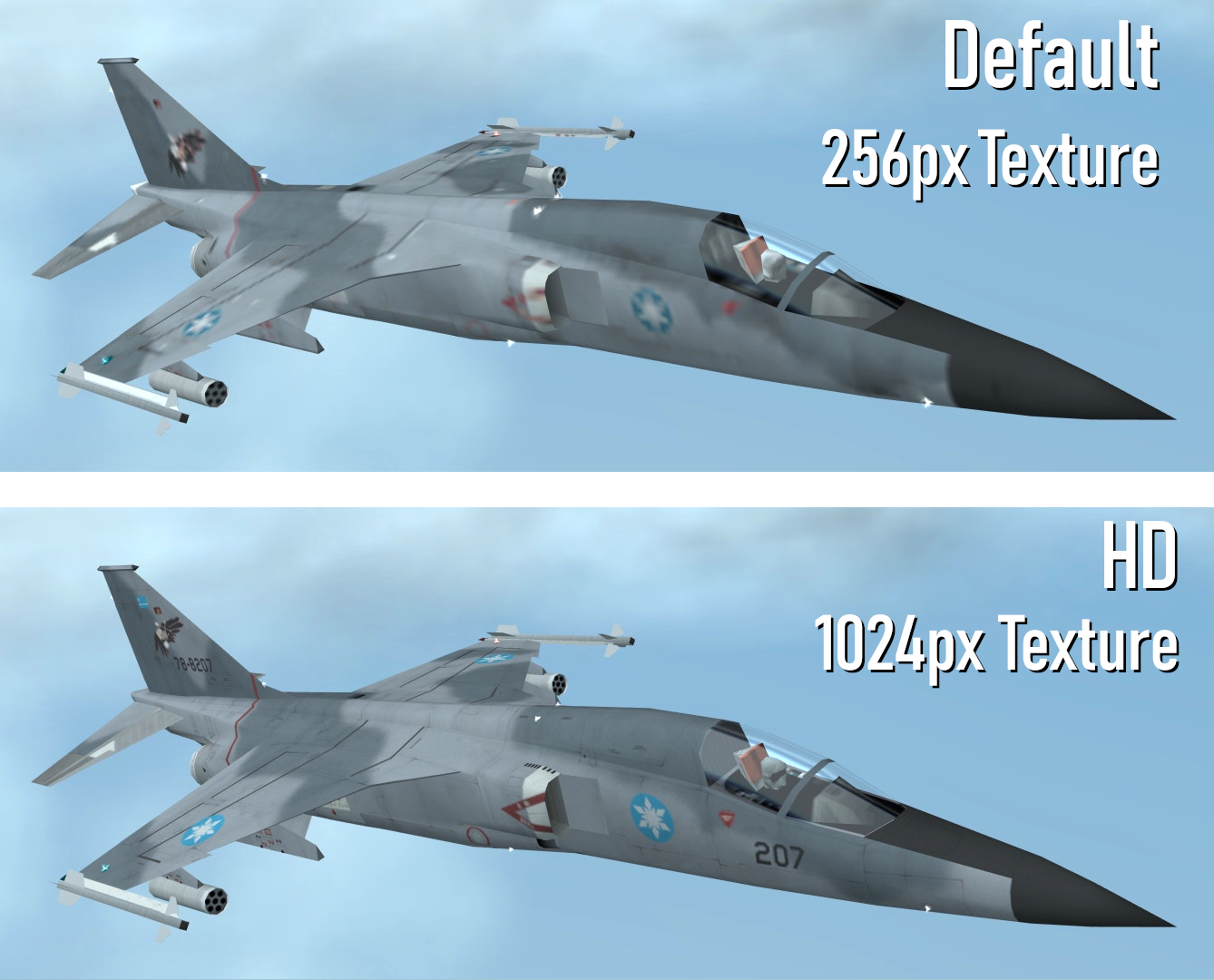
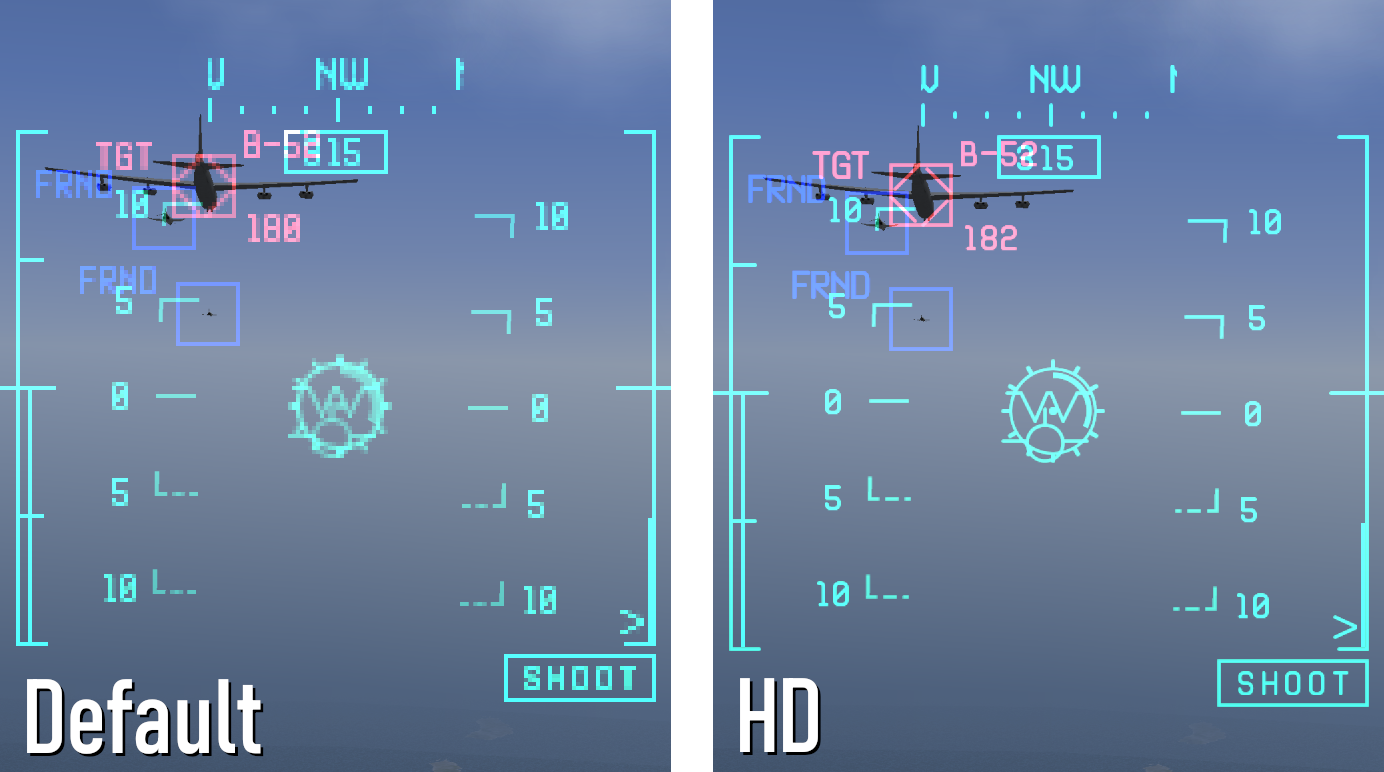
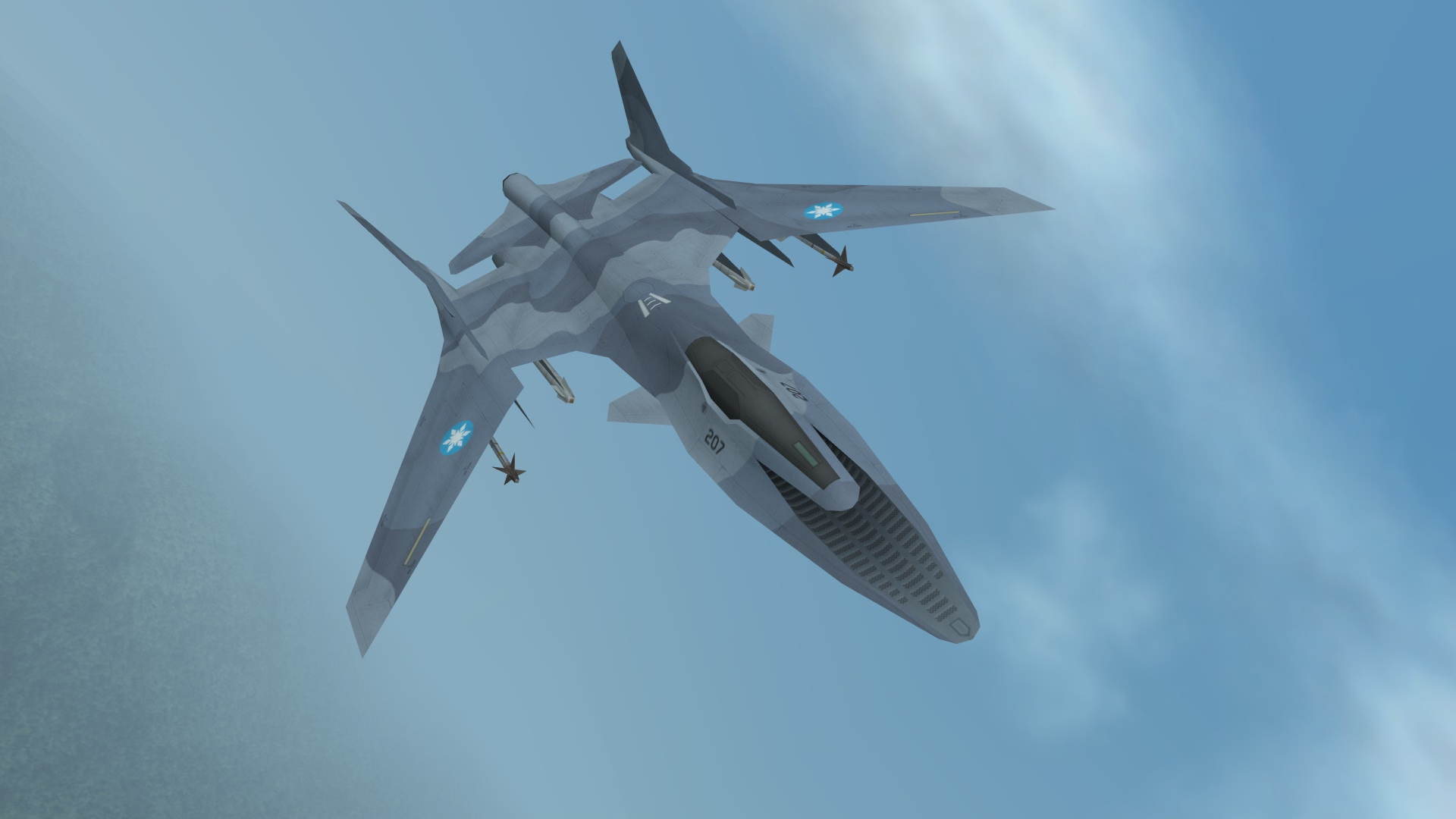
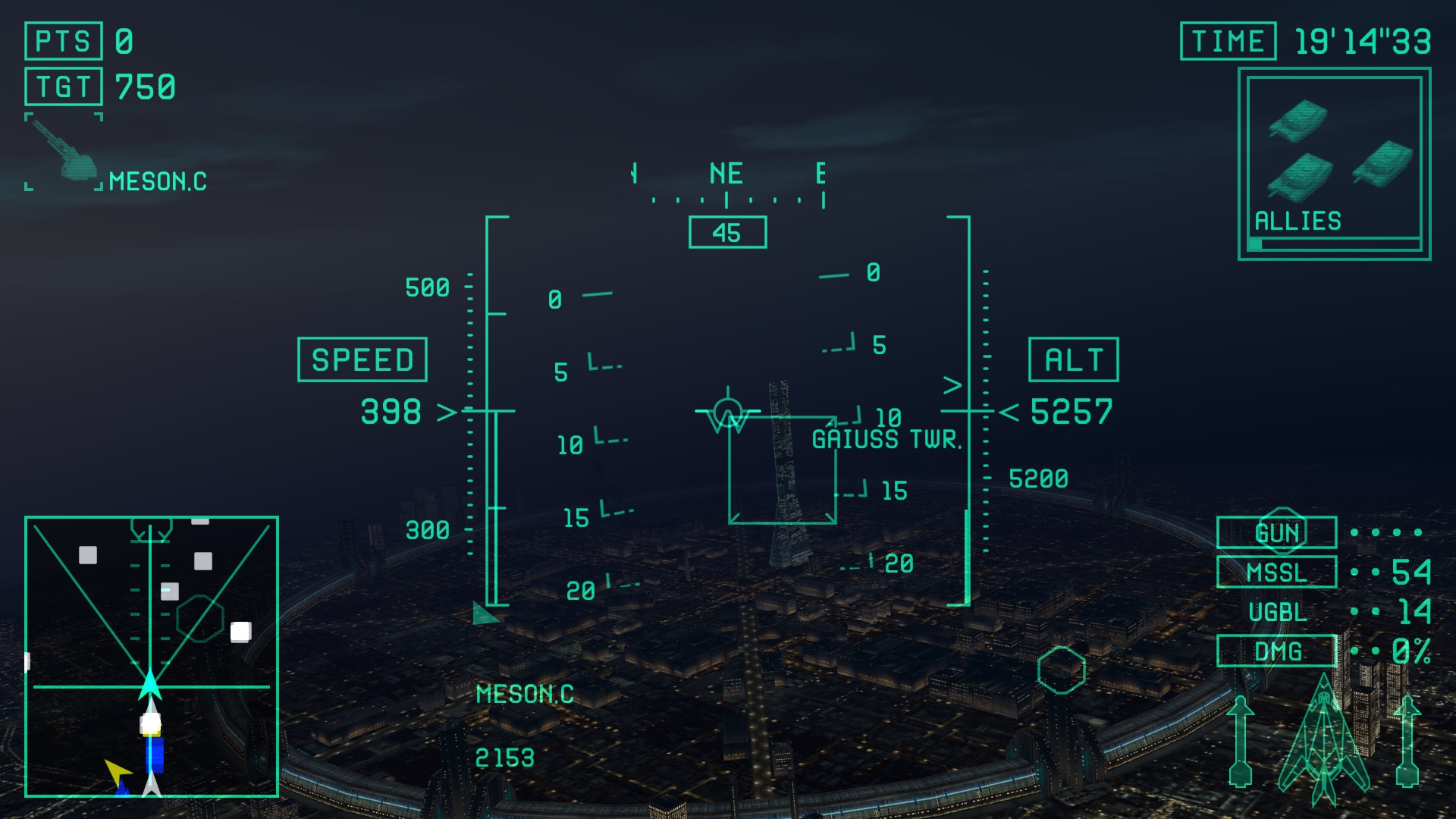
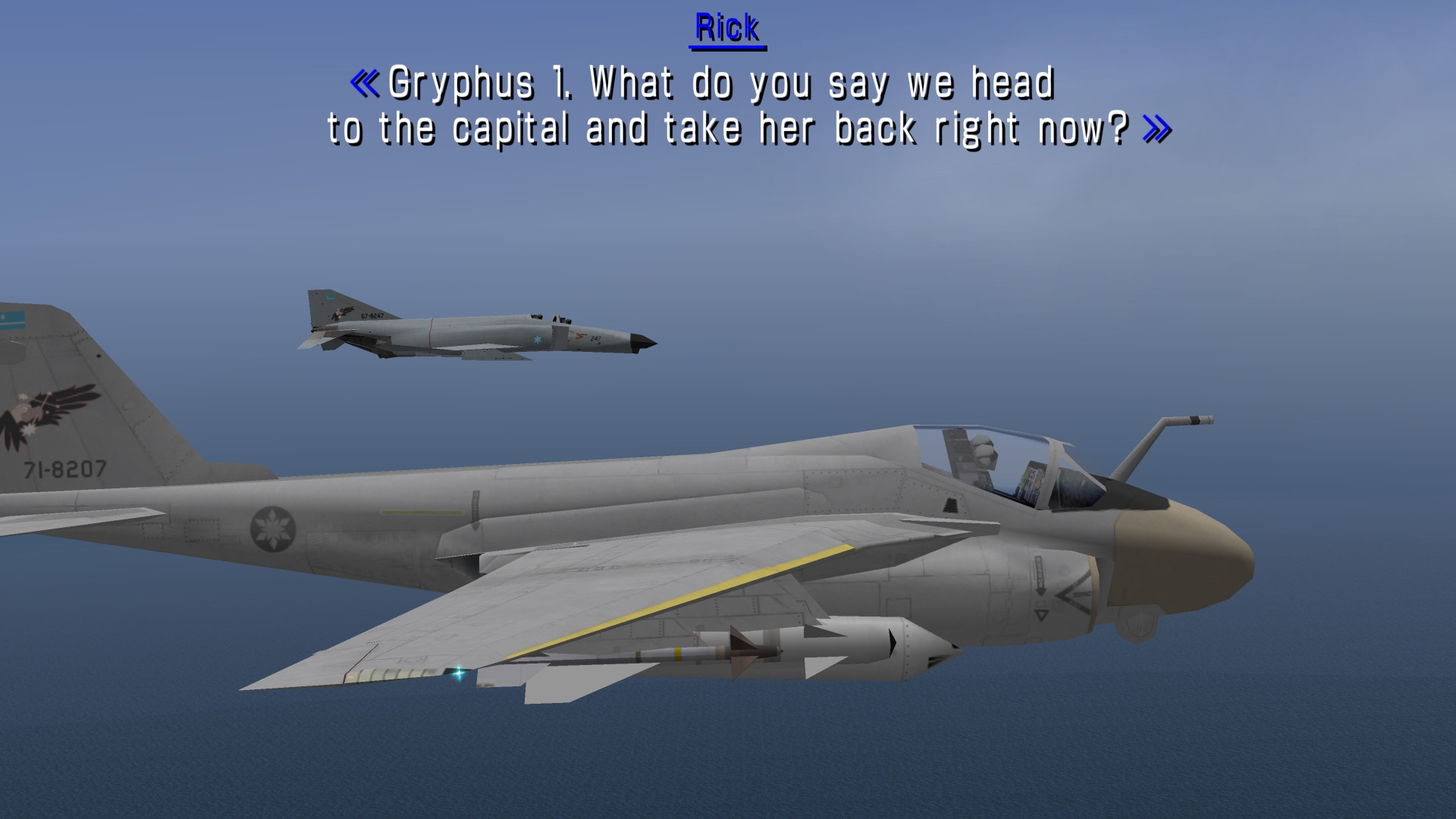
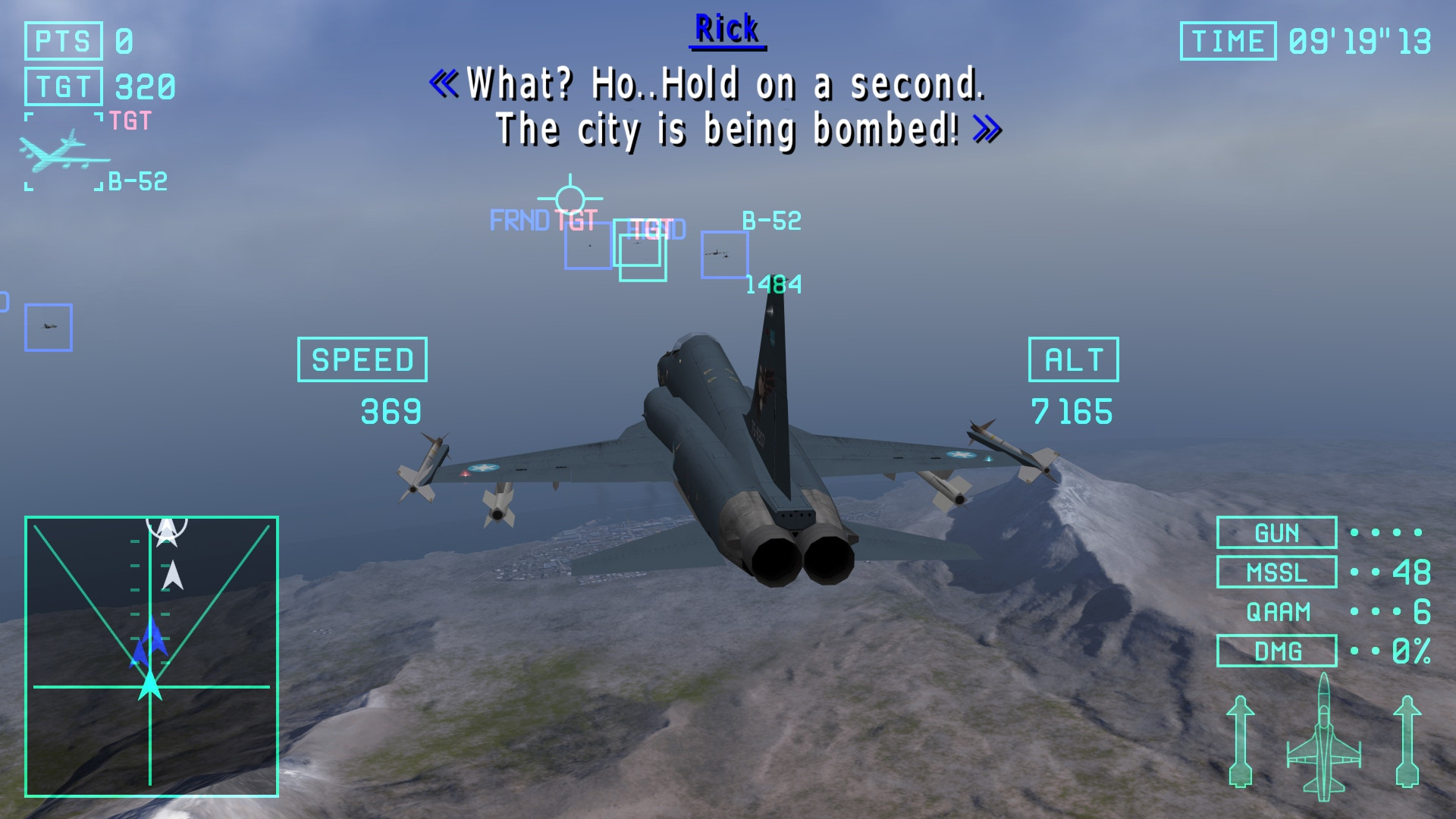
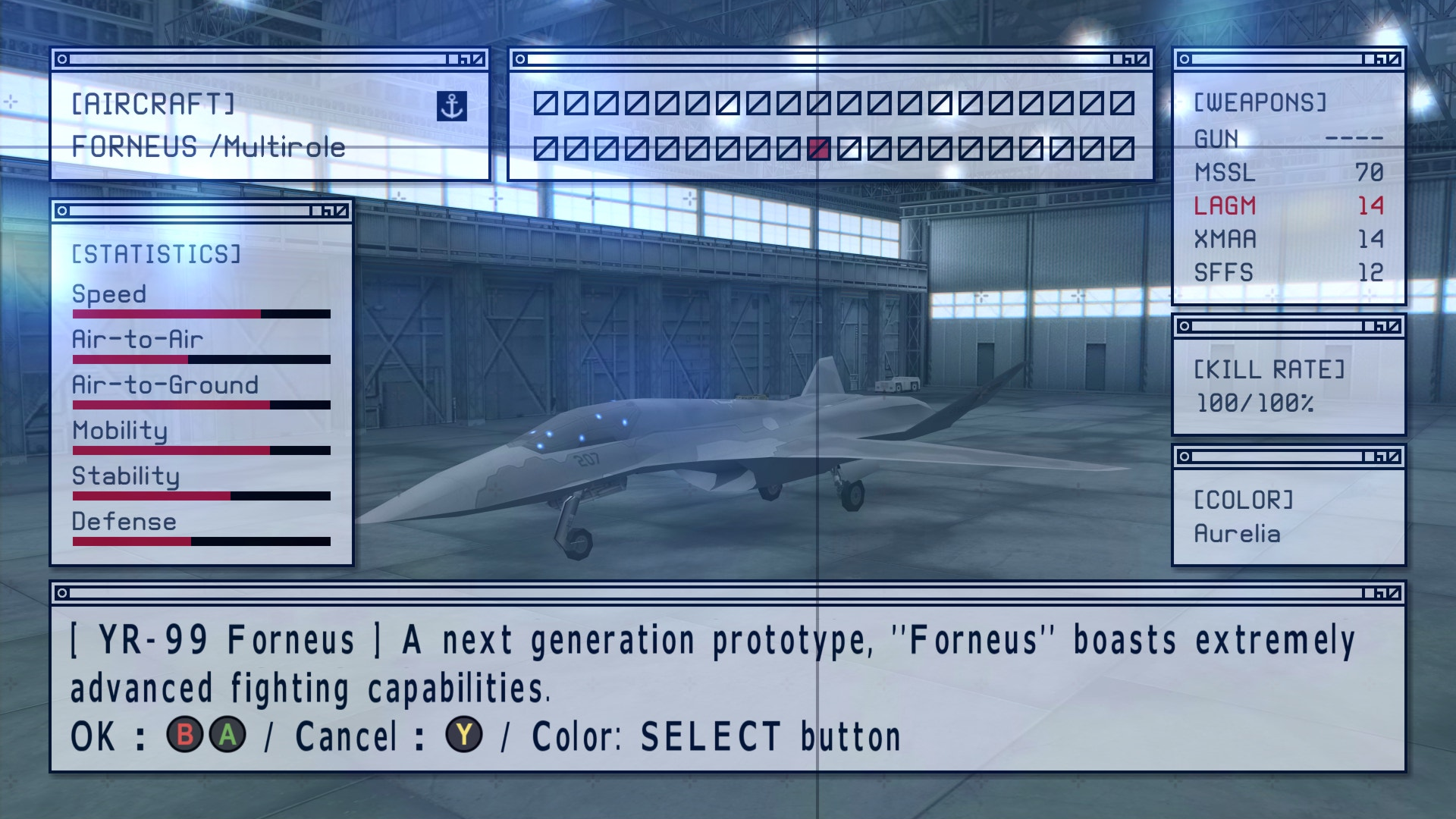
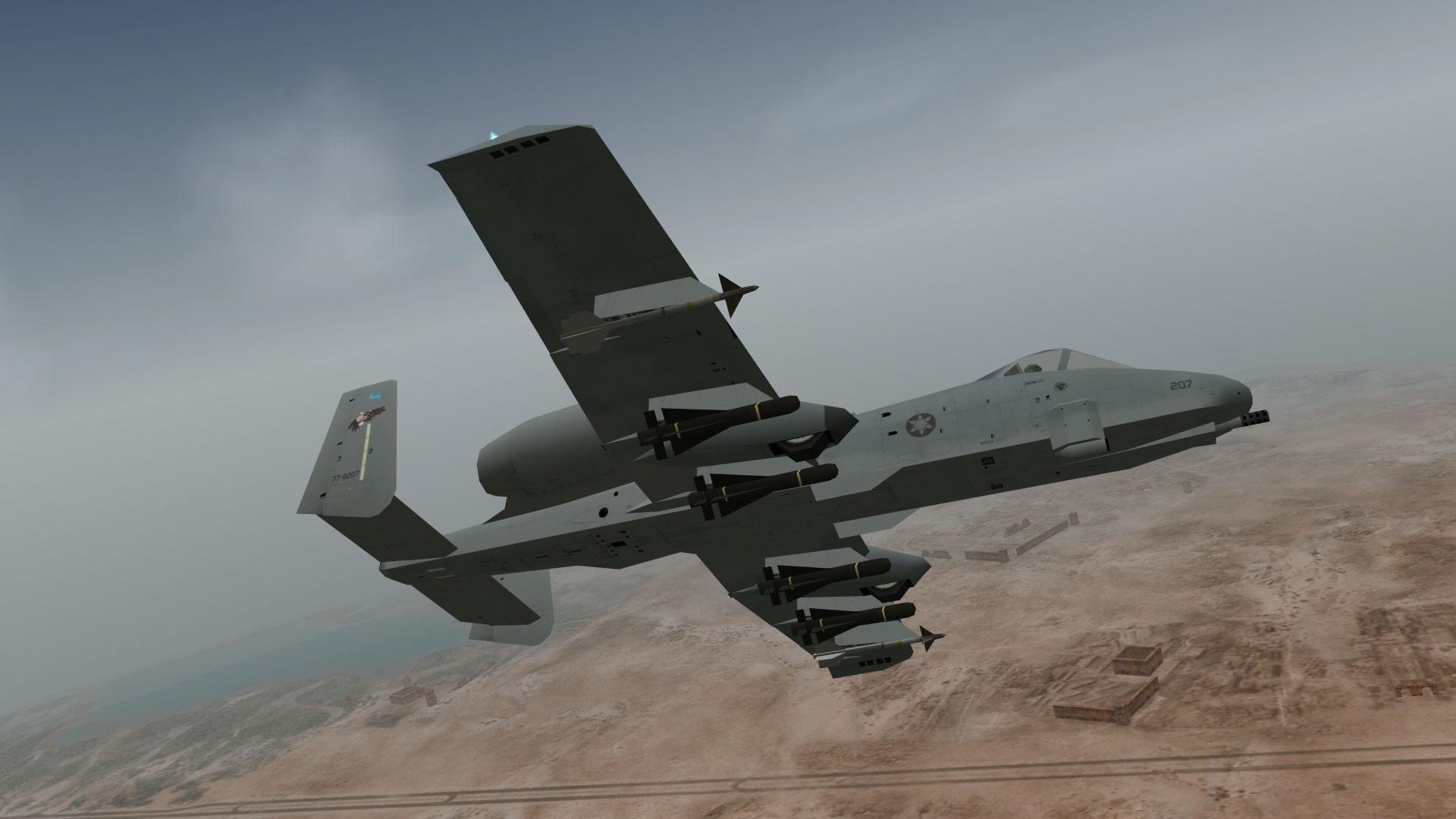
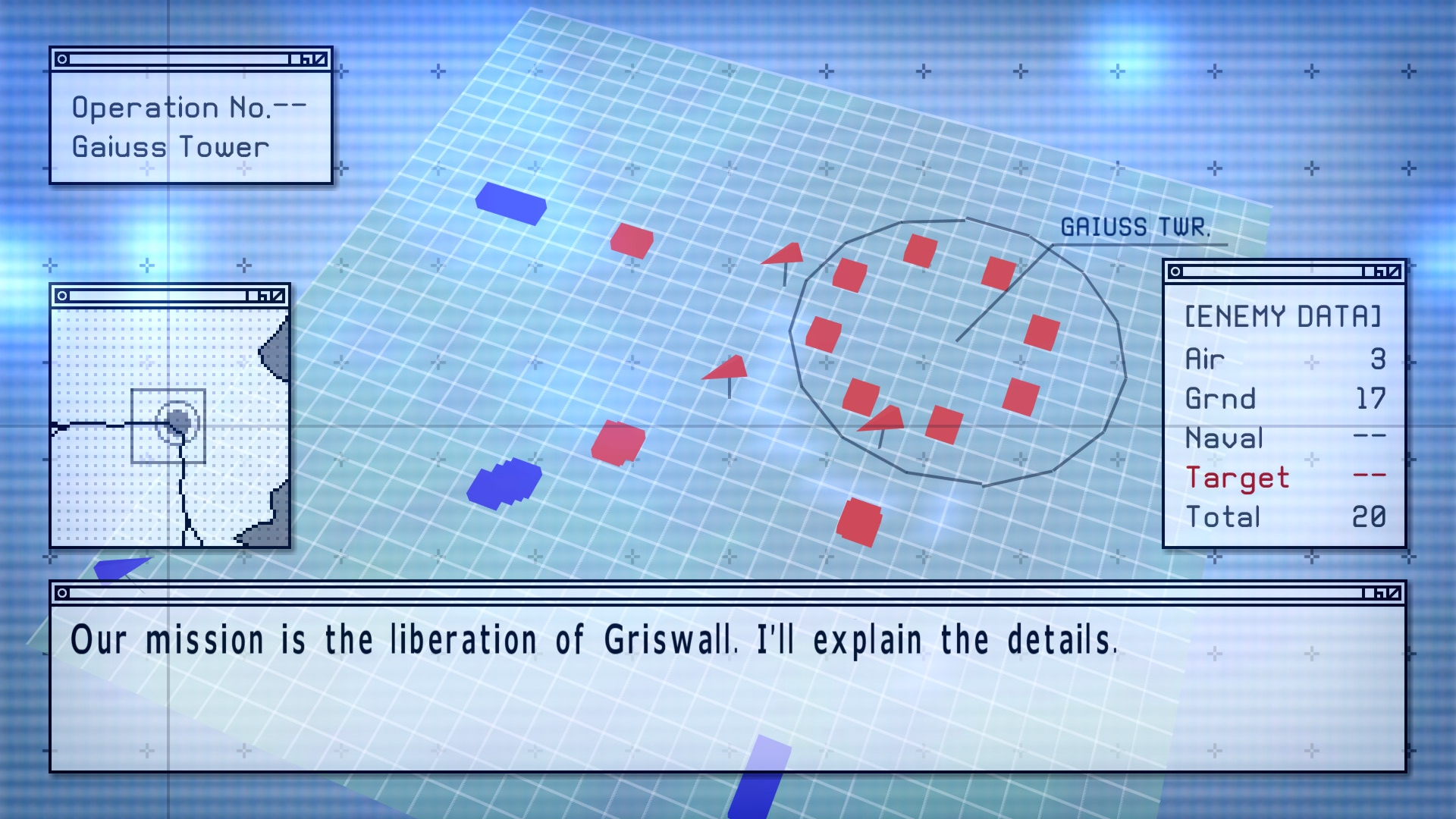
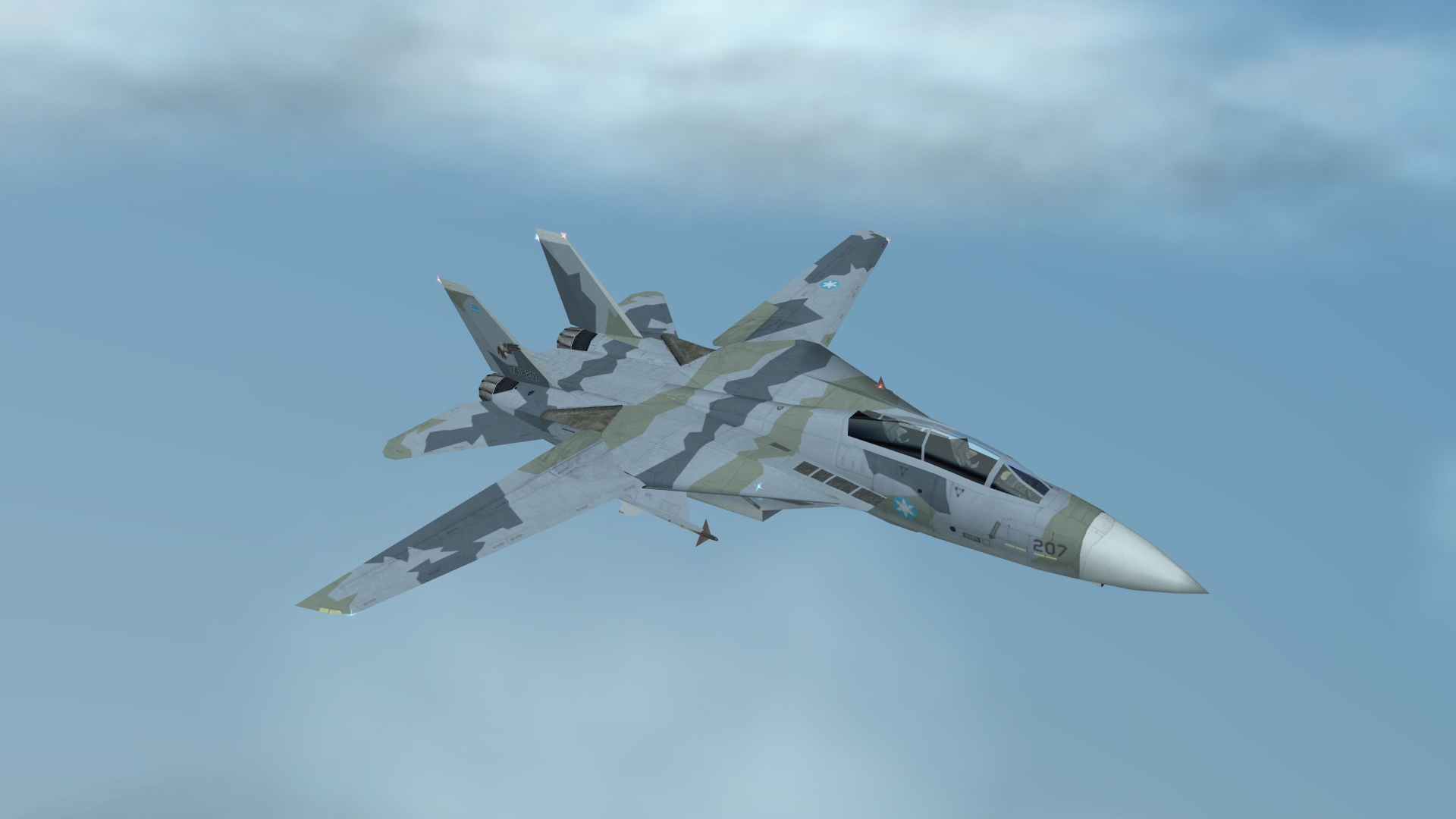
This HD texture pack for Ace Combat X aims to make this classic PSP game feel at home on modern systems. It is a complete overhaul with bespoke HD textures (not AI upscales!) for all 160 playable aircraft skins; includes all-new high resolution HUD, fonts, menu screens, briefings, and more. Additionally, installing this pack lets you easily customize your experience with skins, effects, and other fan-made mods. Made for use with the incredible PPSSPP emulator.
Video Tutorial
Justin Els has made an excellent step-by-step emulation tutorial for Ace Combat X and Joint Assault. This comprehensive guide covers installation, configuration, and optimization of the PPSSPP emulator, as well as installation of this pack.
Check it out here; https://www.youtube.com/watch?v=d3UQ5GpnnS4
Installation
Automatic Installation (PPSSPP 1.9+)
- From the PPSSPP main menu;
Click Load → Browse to the downloaded Zip file and open
-or-
Drag and Drop the downloaded Zip file onto the PPSSPP window - In PPSSPP's settings menu, check 'Replace Textures' under Settings→Graphics
- Turn off 'Texture Scaling' under Setting→Graphics→Texture_Scaling
- This pack includes a high resolution replacement for the English PSP system font. You can find the PSP system font, and instructions on installing it here
- For best results set render resolution to 4x PSP (or higher). If you have a powerful graphics card, enable postprocessing shader Supersampling AA (Gauss)
Manual Installation
Extract the contents of the zip file to:
- US ..\Documents\PPSSPP\PSP\TEXTURES\ULUS10176
- JP ..\Documents\PPSSPP\PSP\TEXTURES\ULJS00086
- EU ..\Documents\PPSSPP\PSP\TEXTURES\UCES00423
- ..\ppsspp\memstick\PSP\TEXTURES\ULUS10176
Changing Button Prompts
By default, this pack uses XBox Controller button prompts.
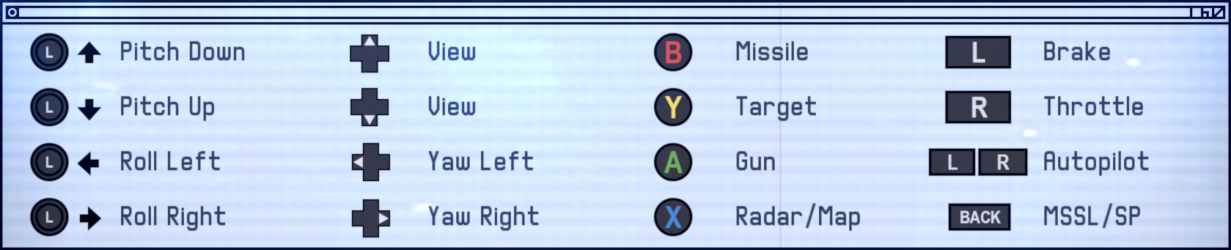
To use Playstation prompts, copy the files from ..\interface\fonts\playstation into..\interface\fonts\ and overwrite when prompted.
Screenshots
Credits
- Created by Ostrich using GIMP and Blender
- HUD and Menus font (ACES5) by Roach Typografics
- F-14 SP2 Cherry Blossoms by Dantofu
- Aquila Squadron Emblem by UrvogelGallus
- Thanks to Abbanon for finding dozens of bugs; and the buddies on /aceg/ for providing a ton of feedback as this was being made.
- Special thanks to Rythus for always being willing to lend his expertise.
- This pack wouldn't be possible without the excellent work done by the PPSSPP team.