Ace Combat X2 Joint Assault HD Texture Pack
Contents
Download
[Download - Mega]
[Download - Google Drive]
Overview
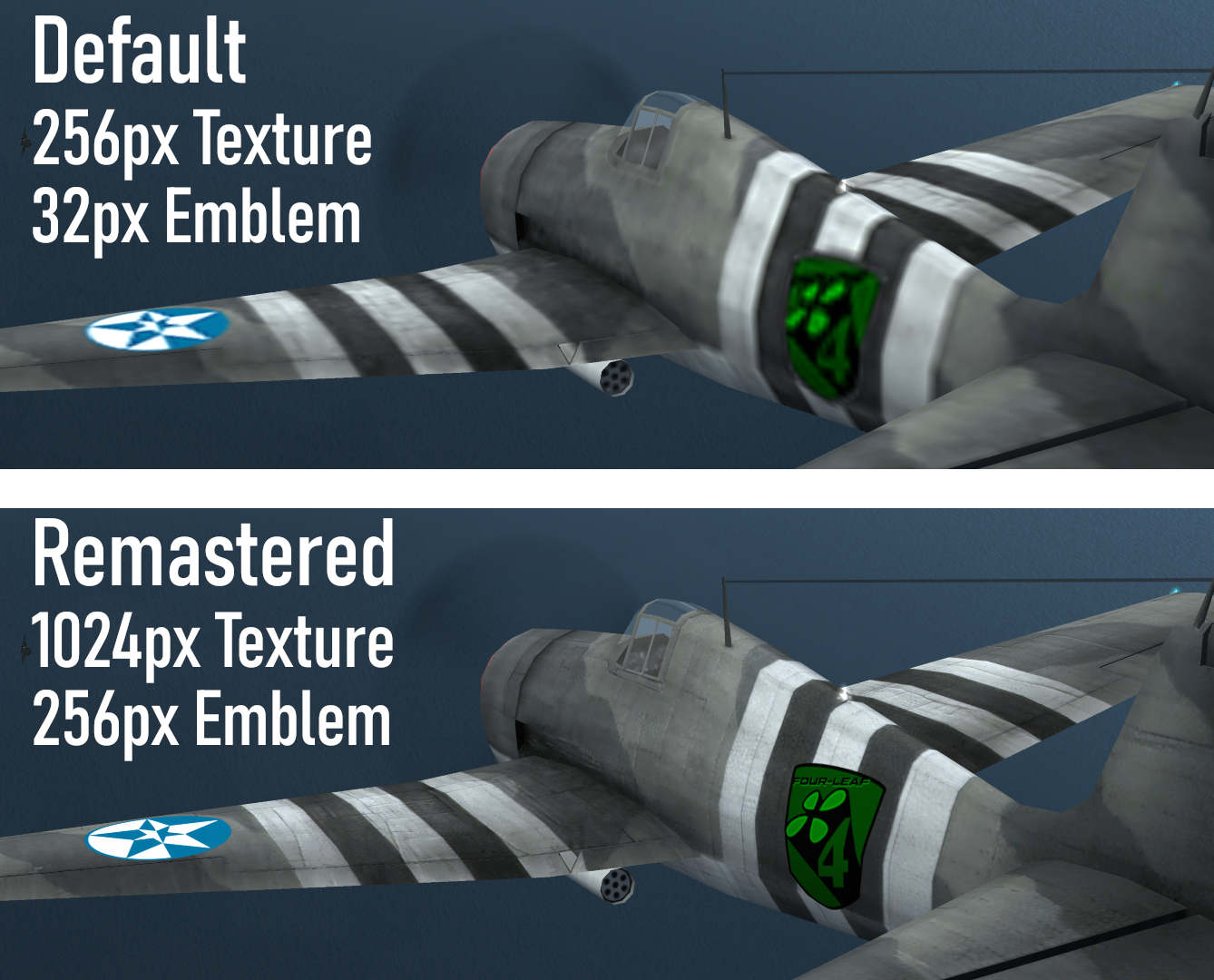
This HD texture pack for Ace Combat X2 Joint Assault aims to enhance the classic PSP title when emulated on modern displays. It is a complete overhaul with HD textures for all 264 playable aircraft skins; includes all-new high resolution HUD, fonts, menu screens, briefings, and more. Additionally, installing this pack lets you easily customize your experience with skins, emblems, effects, and other fan-made mods. Made for use with the incredible PPSSPP emulator.

Video Tutorial
Justin Els has made an excellent step-by-step emulation tutorial for Ace Combat X and Joint Assault. This comprehensive guide covers installation, configuration, and optimization of the PPSSPP emulator, as well as installation of this pack.
Check it out here; https://www.youtube.com/watch?v=d3UQ5GpnnS4
Installation
Automatic Installation (PPSSPP 1.9+)
- From the PPSSPP main menu;
Click Load → Browse to the downloaded Zip file and open
-or-
Drag and Drop the downloaded Zip file onto the PPSSPP window - In PPSSPP's settings menu, check 'Replace Textures' under Settings→Graphics
- Turn off 'Texture Scaling' under Setting→Graphics→Texture_Scaling
- Set I/O Timing Method to Host under Settings→System→Emulation
- This pack includes a high resolution replacement for the English PSP system font. You can find the PSP system font, and instructions on installing it here
- For best results set render resolution to 4x PSP (or higher). If you have a powerful graphics card, enable postprocessing shader Supersampling AA (Gauss)
Manual Installation
Extract the contents of the zip file to:
- US ..\Documents\PPSSPP\PSP\TEXTURES\ULUS10511
- JP ..\Documents\PPSSPP\PSP\TEXTURES\NPJH50263
- EU ..\Documents\PPSSPP\PSP\TEXTURES\ULES01408
- ..\ppsspp\memstick\PSP\TEXTURES\ULUS10511
Customizing Emblems
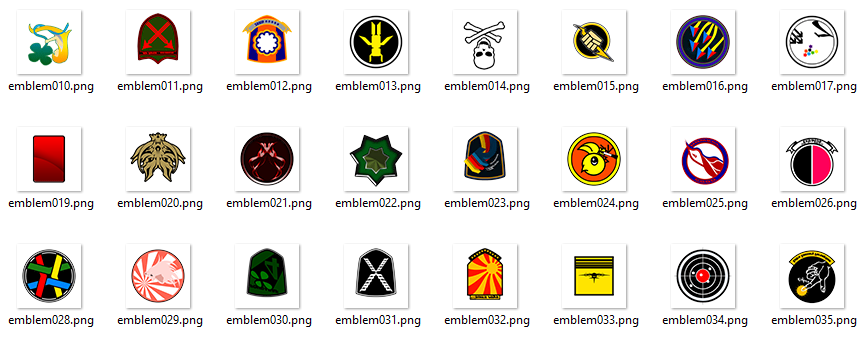
With this pack installed, you can easily replace the default emblems, with your own. Simply overwrite any of the .png files in ..\Documents\PPSSPP\PSP\TEXTURES\ULUS10511\emblems with your own.
Please note the following;
- The images are flipped vertically (not rotated 180)
- All emblems must have a square aspect ratio (64x64, 128x128, or 256x256)
- Emblems must be in PNG format with a transparent background
Changing Button Prompts
By default, this pack uses XBox Controller button prompts.
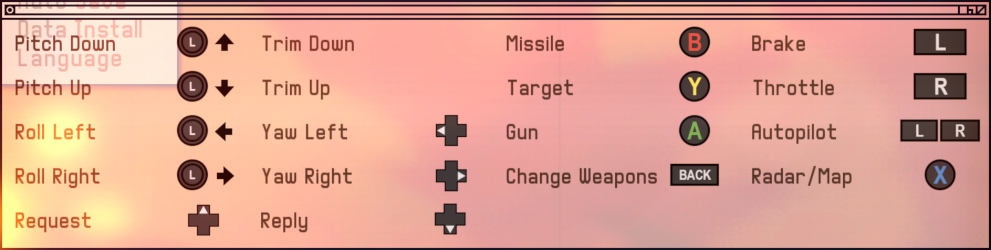
To use Playstation prompts, copy the files from ..\interface\fonts\playstation into..\interface\fonts\ and overwrite when prompted.
Screenshots
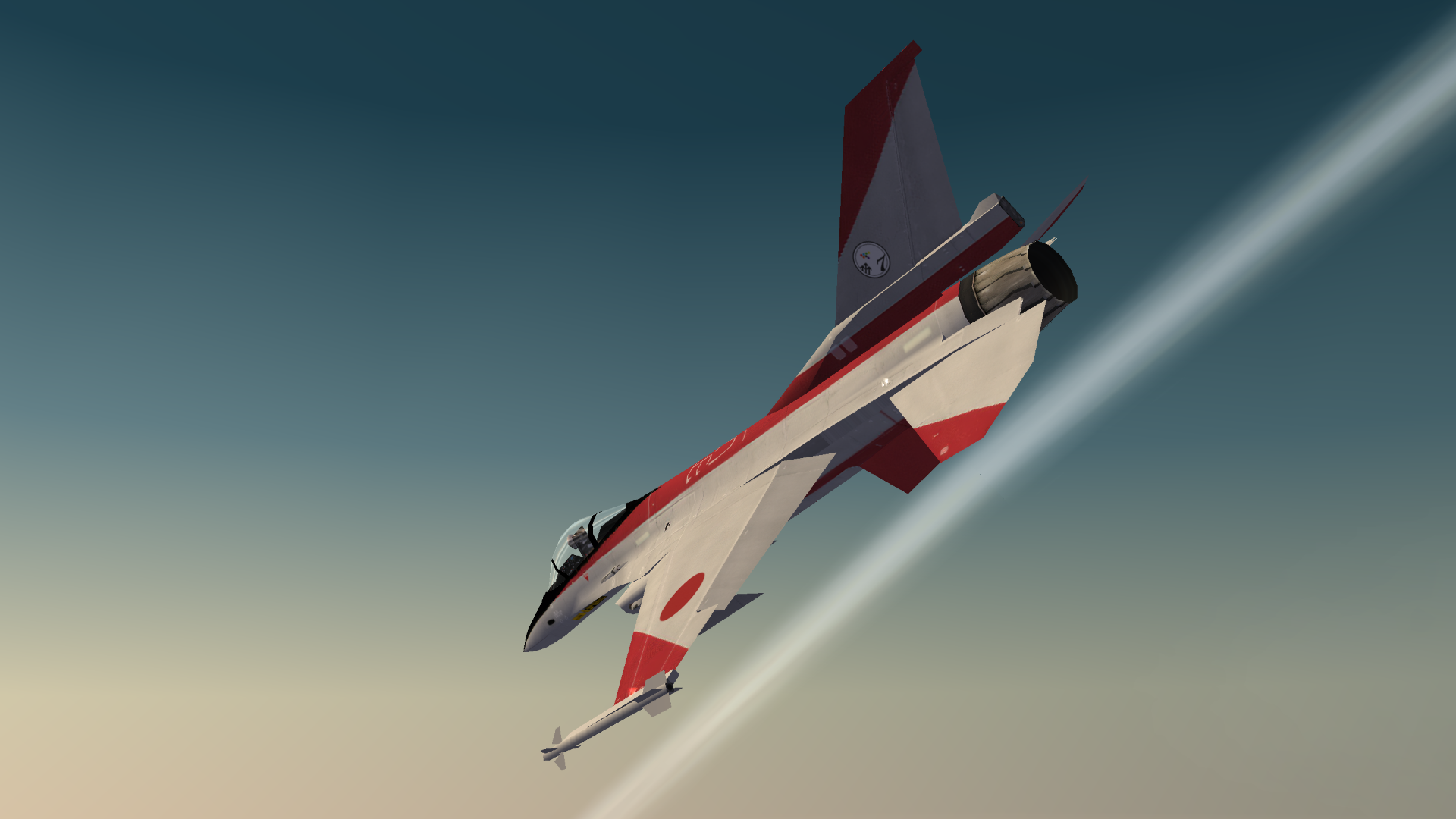
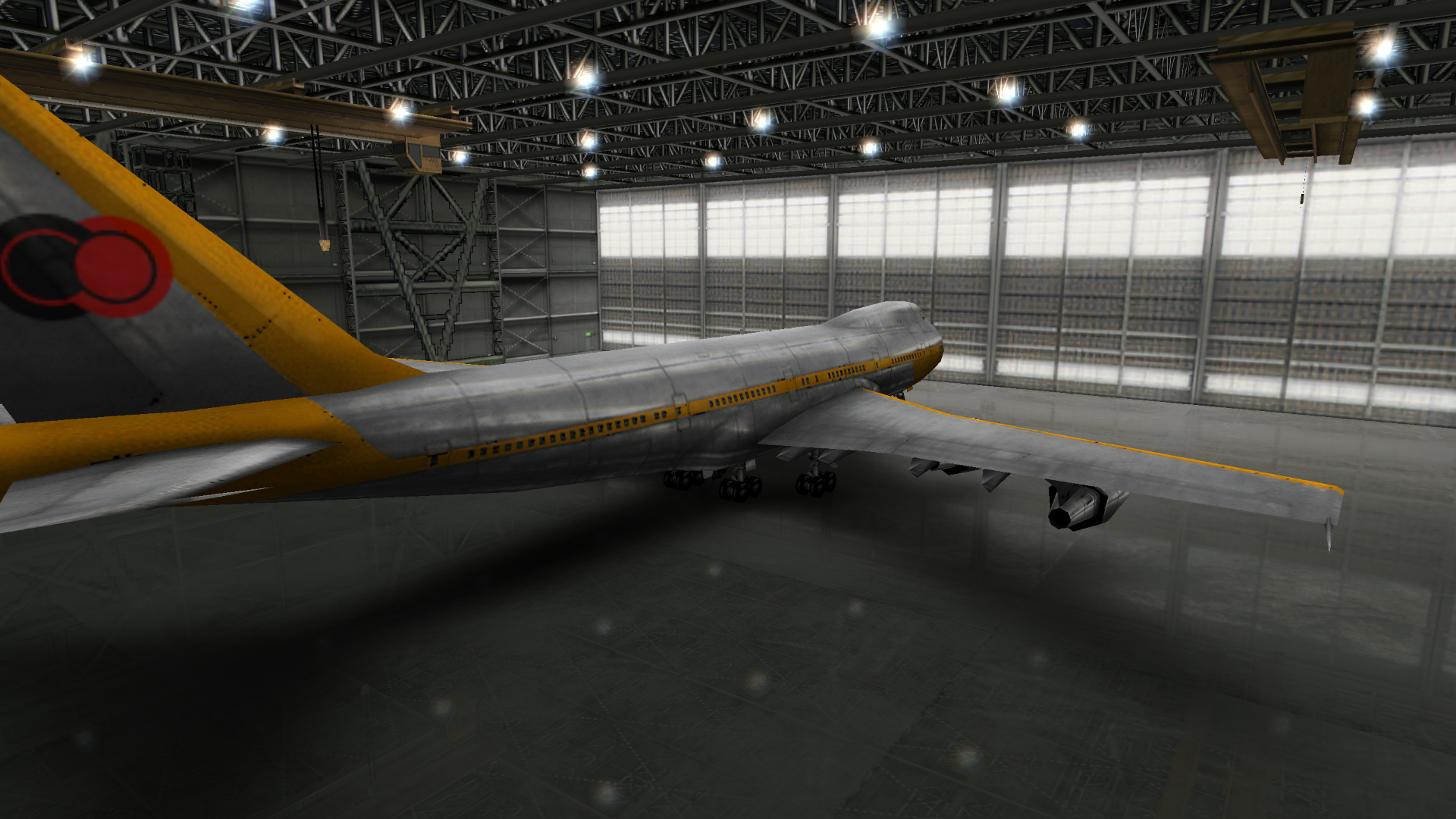
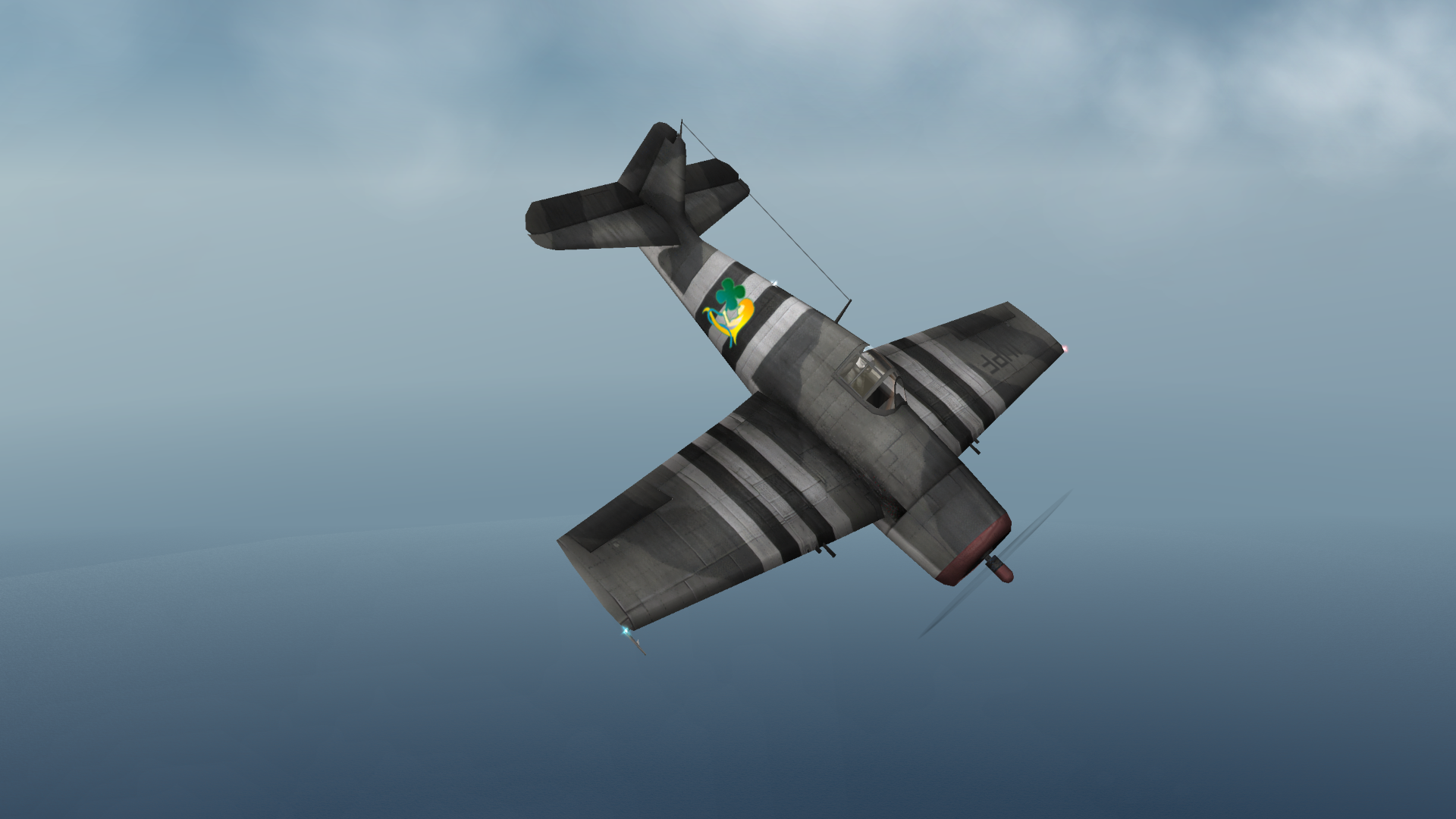
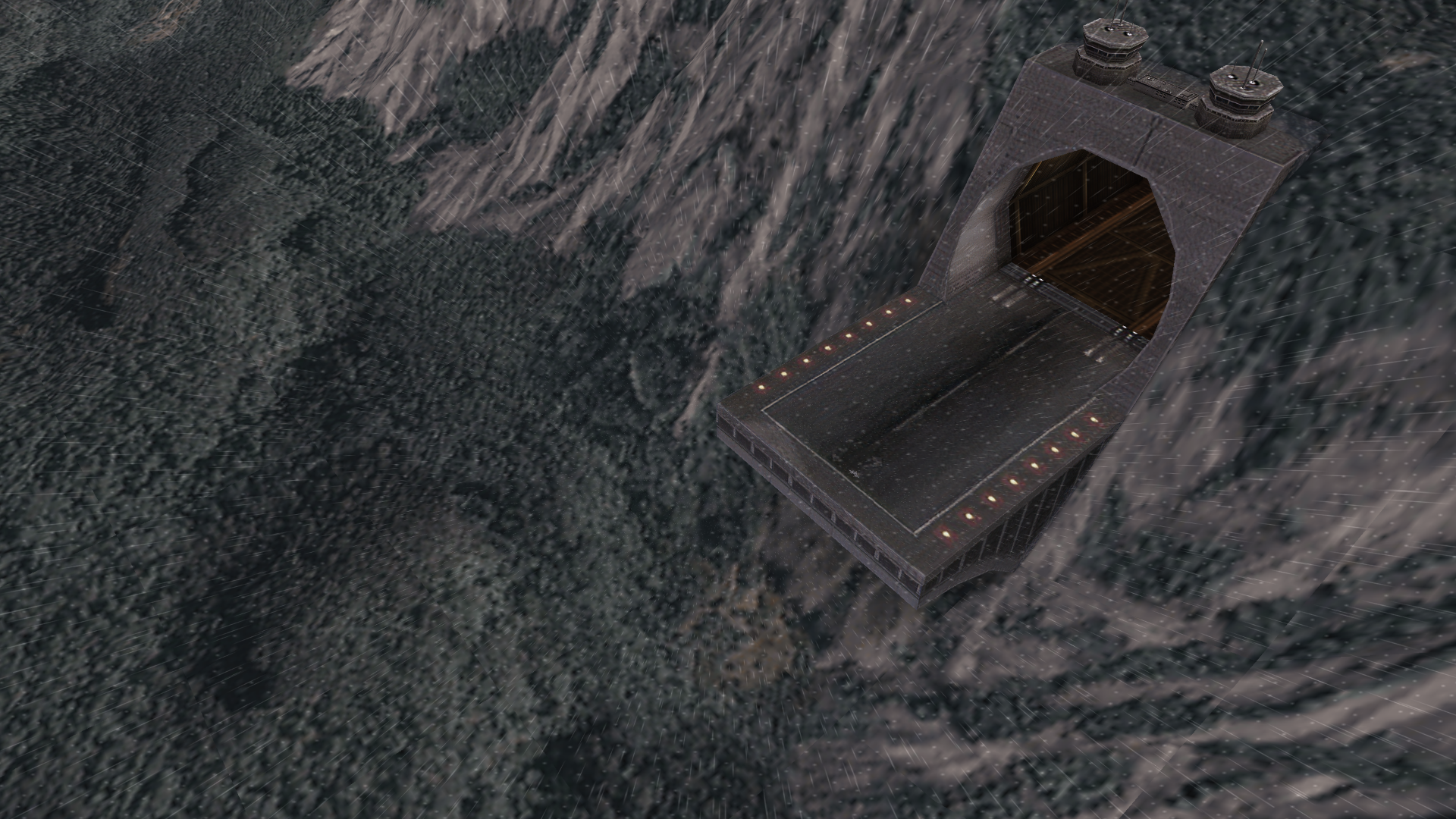
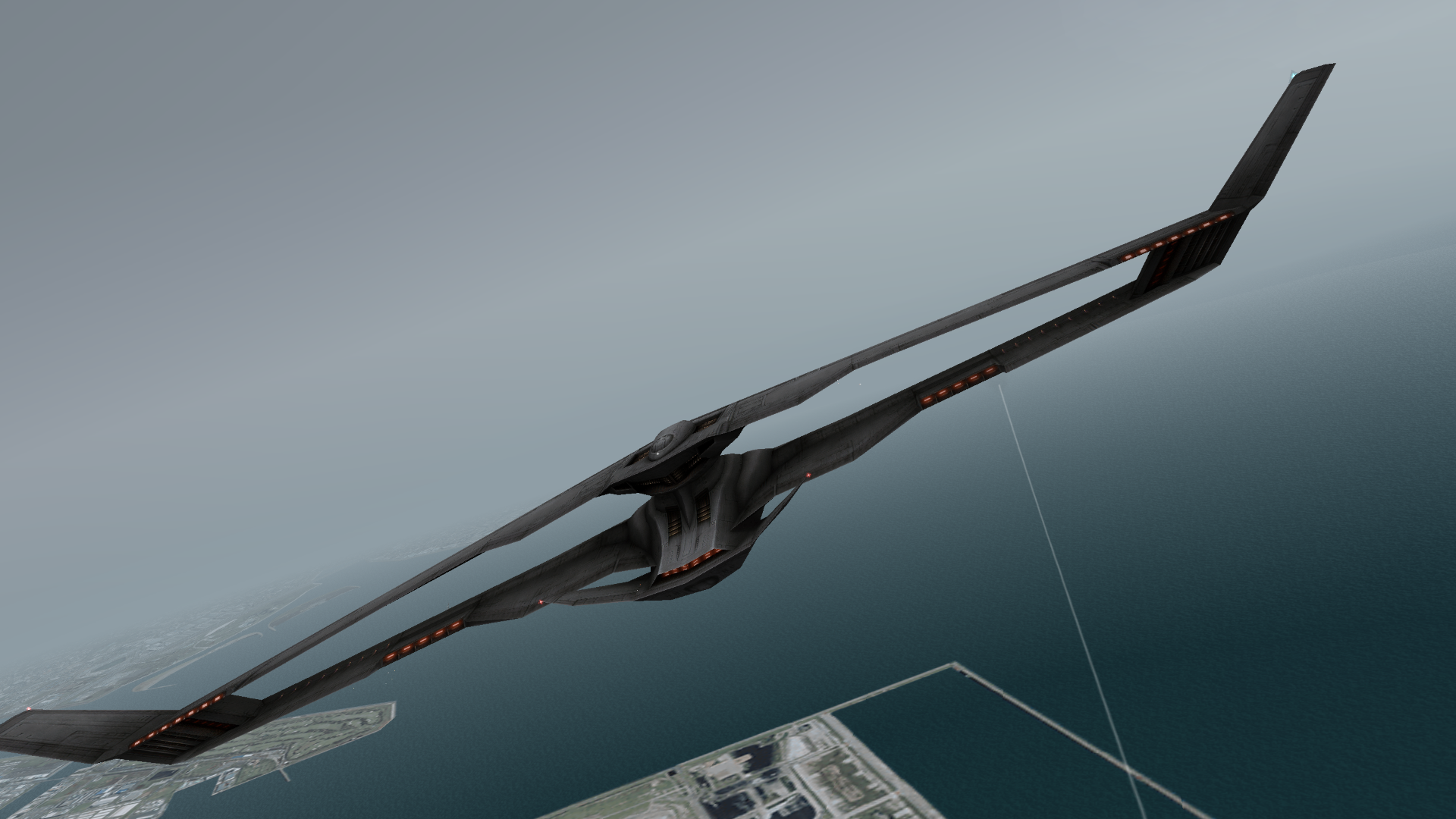
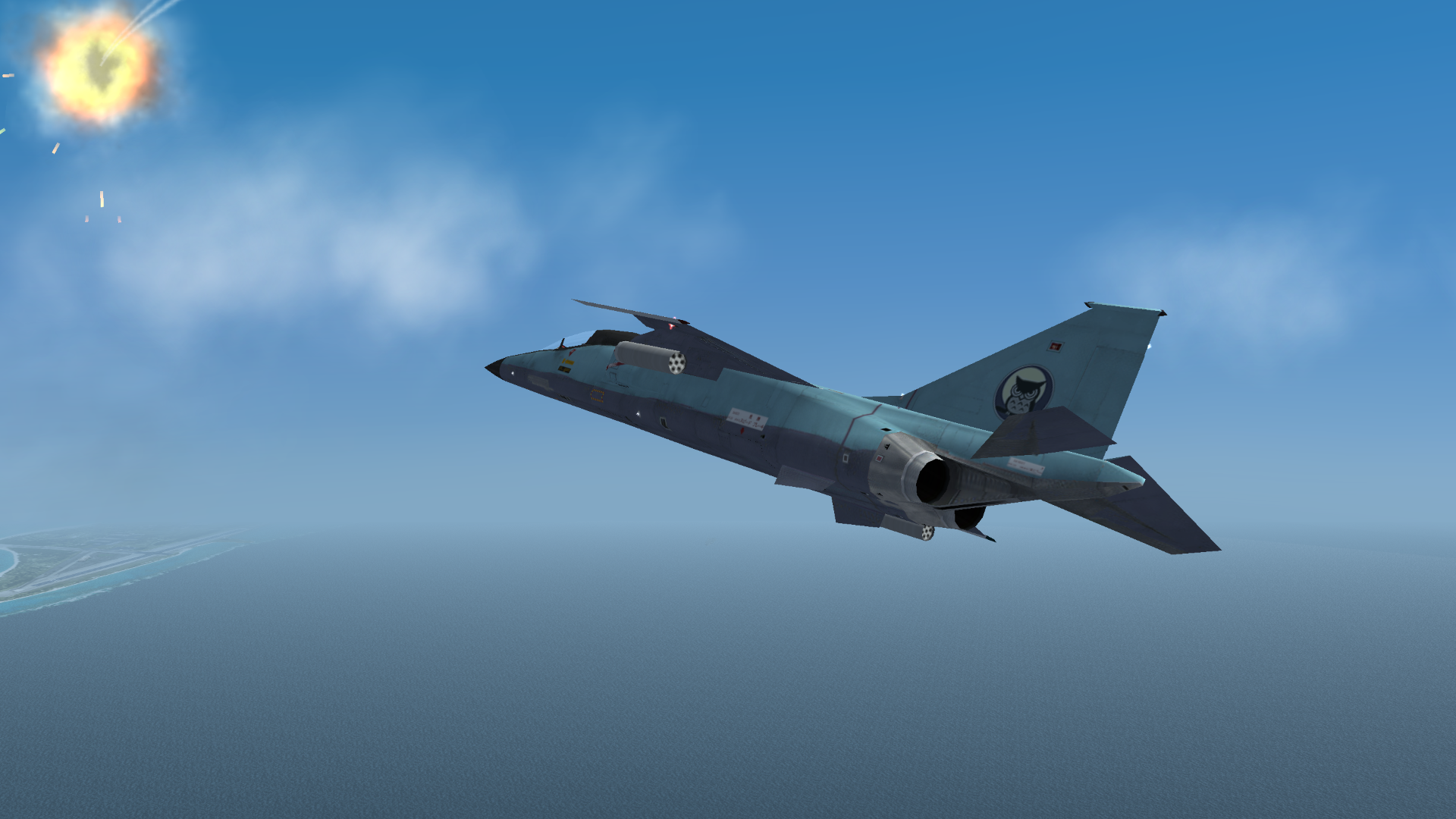
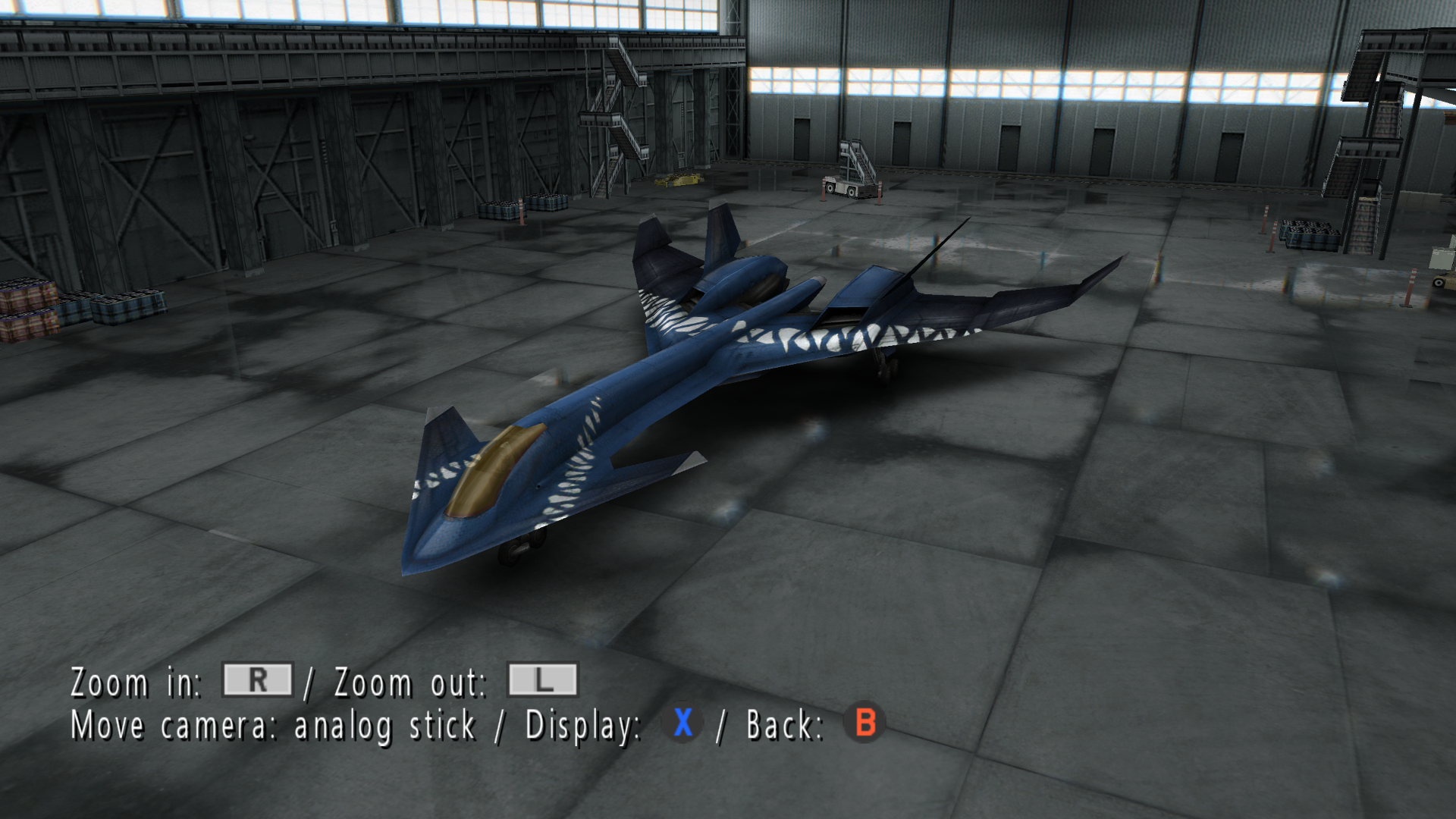
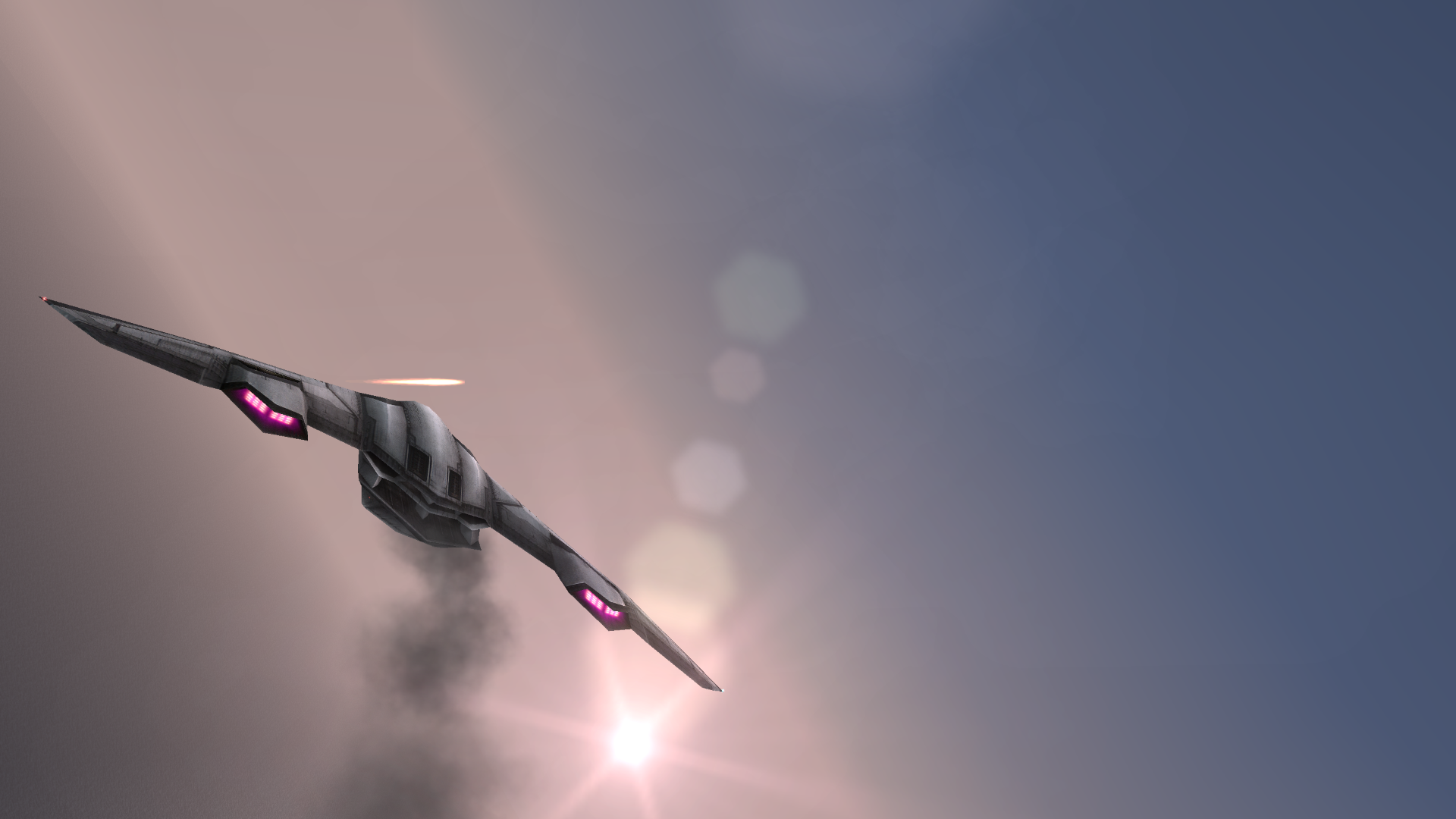
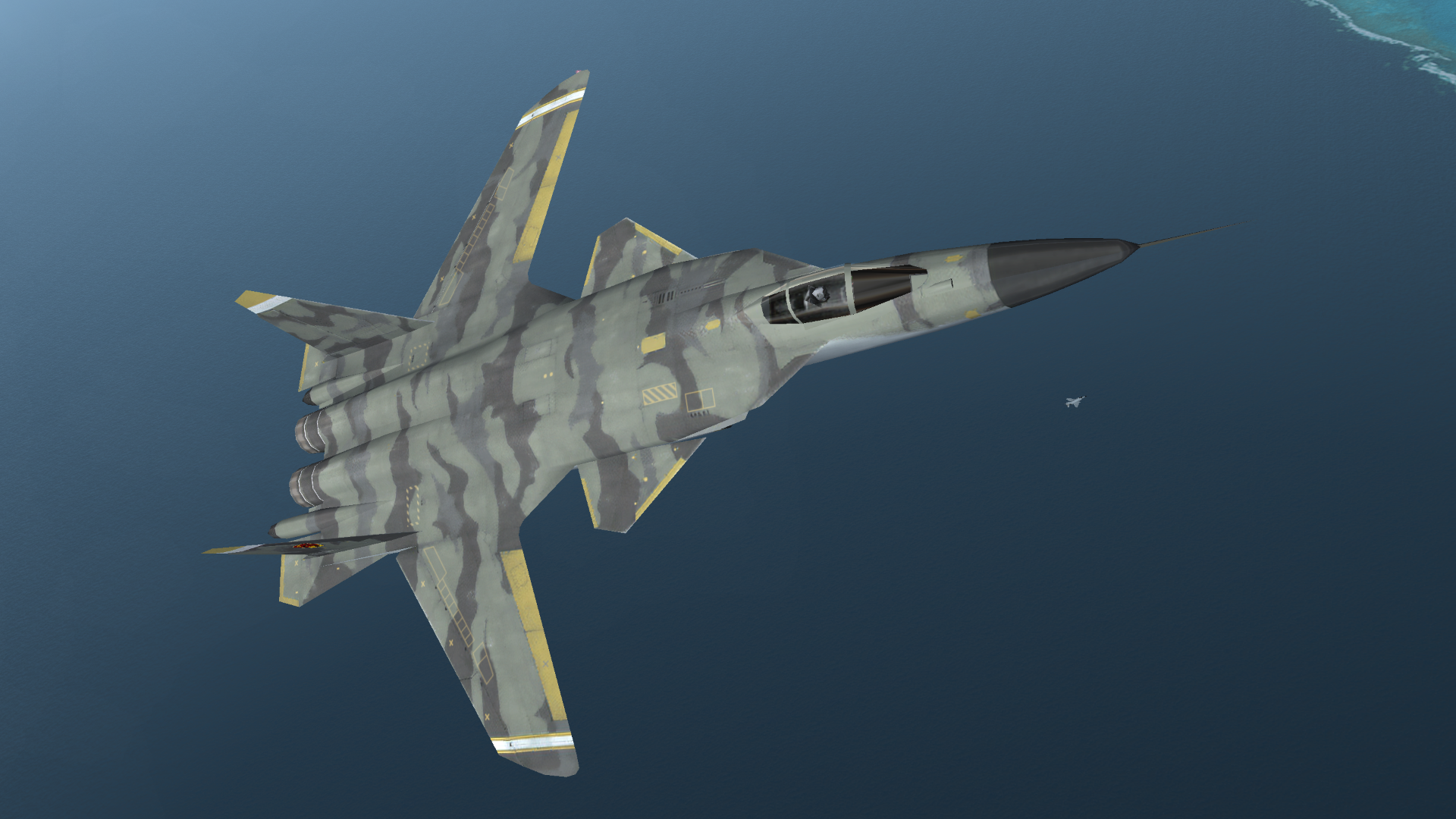
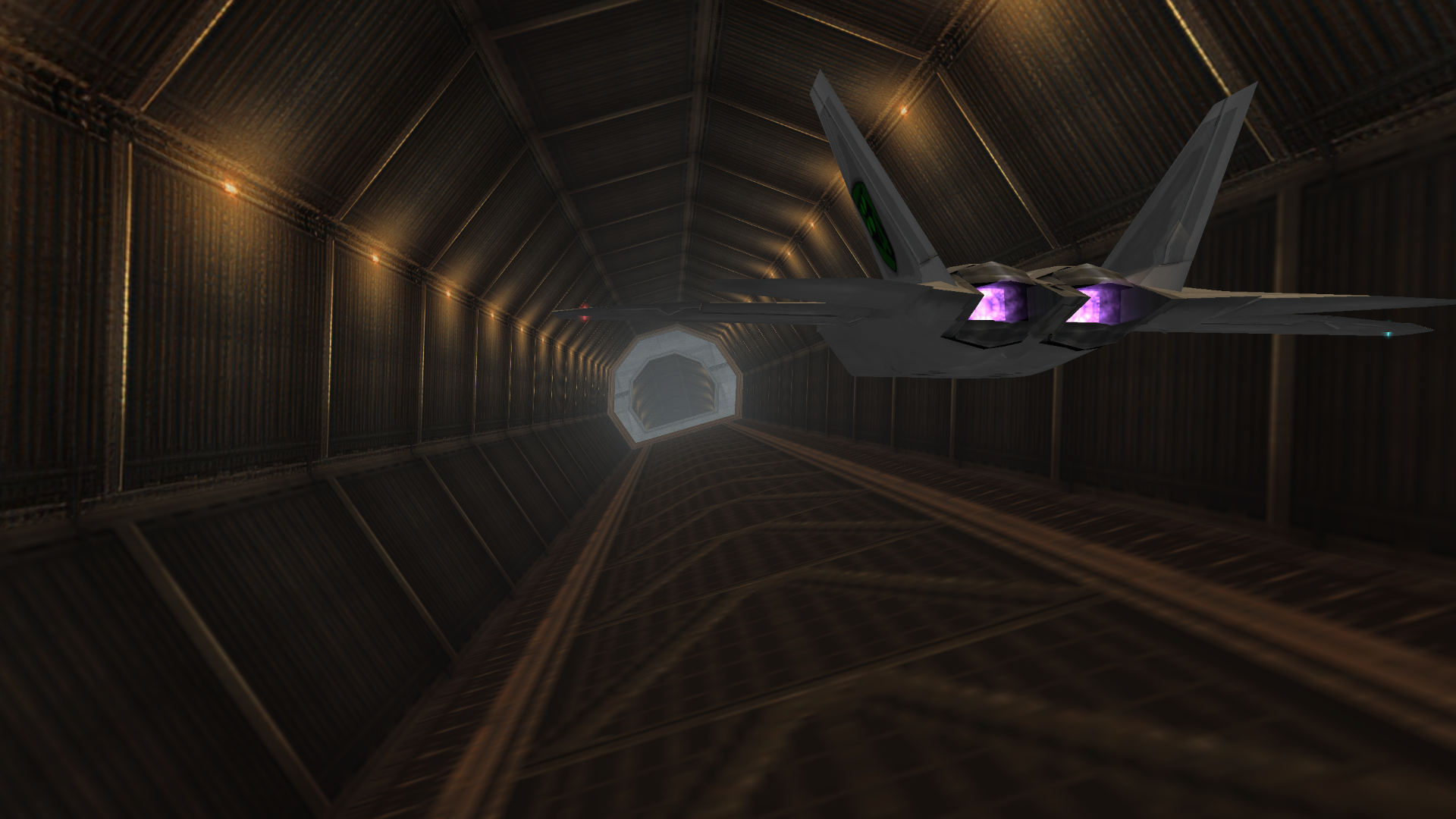
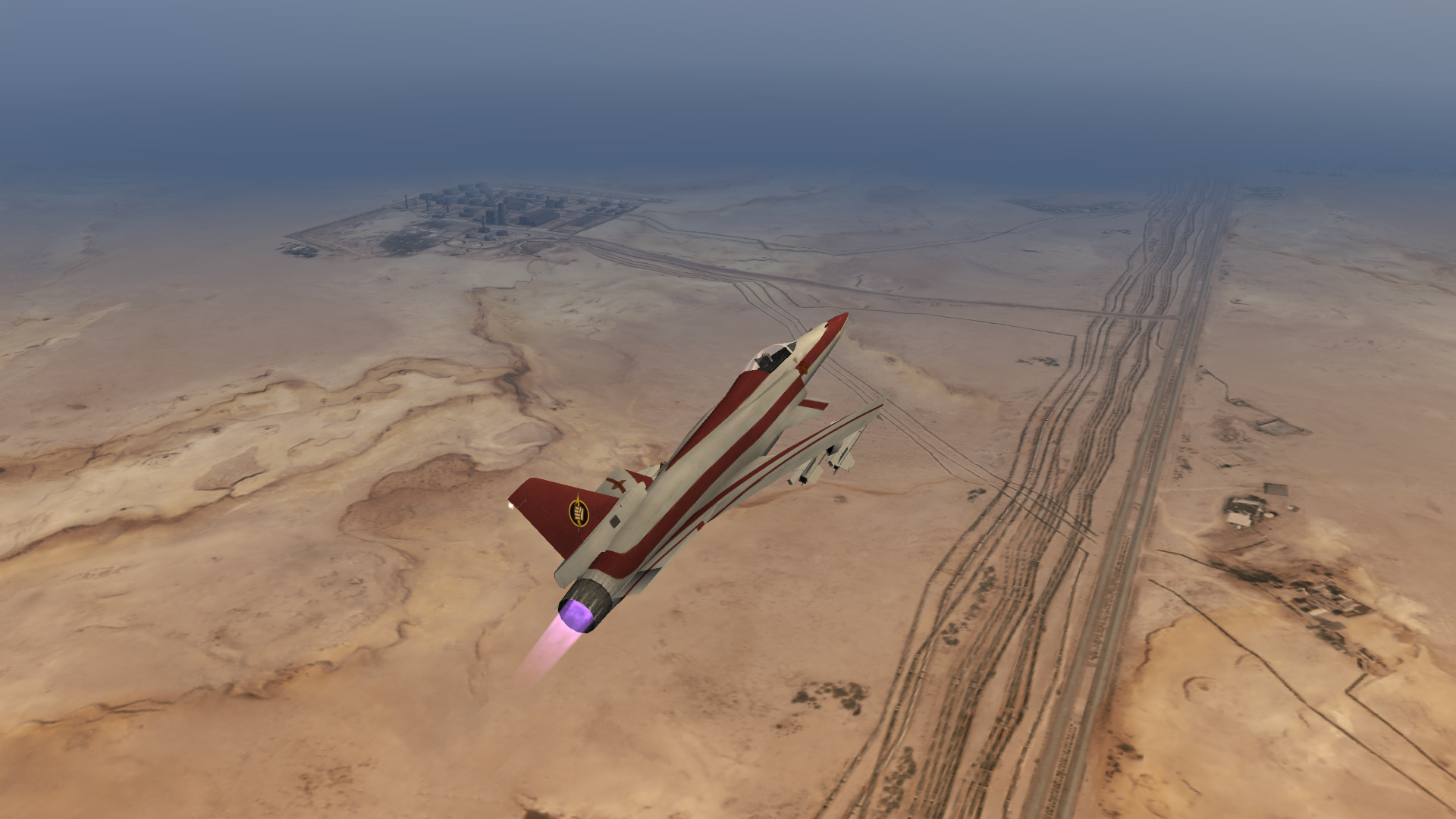
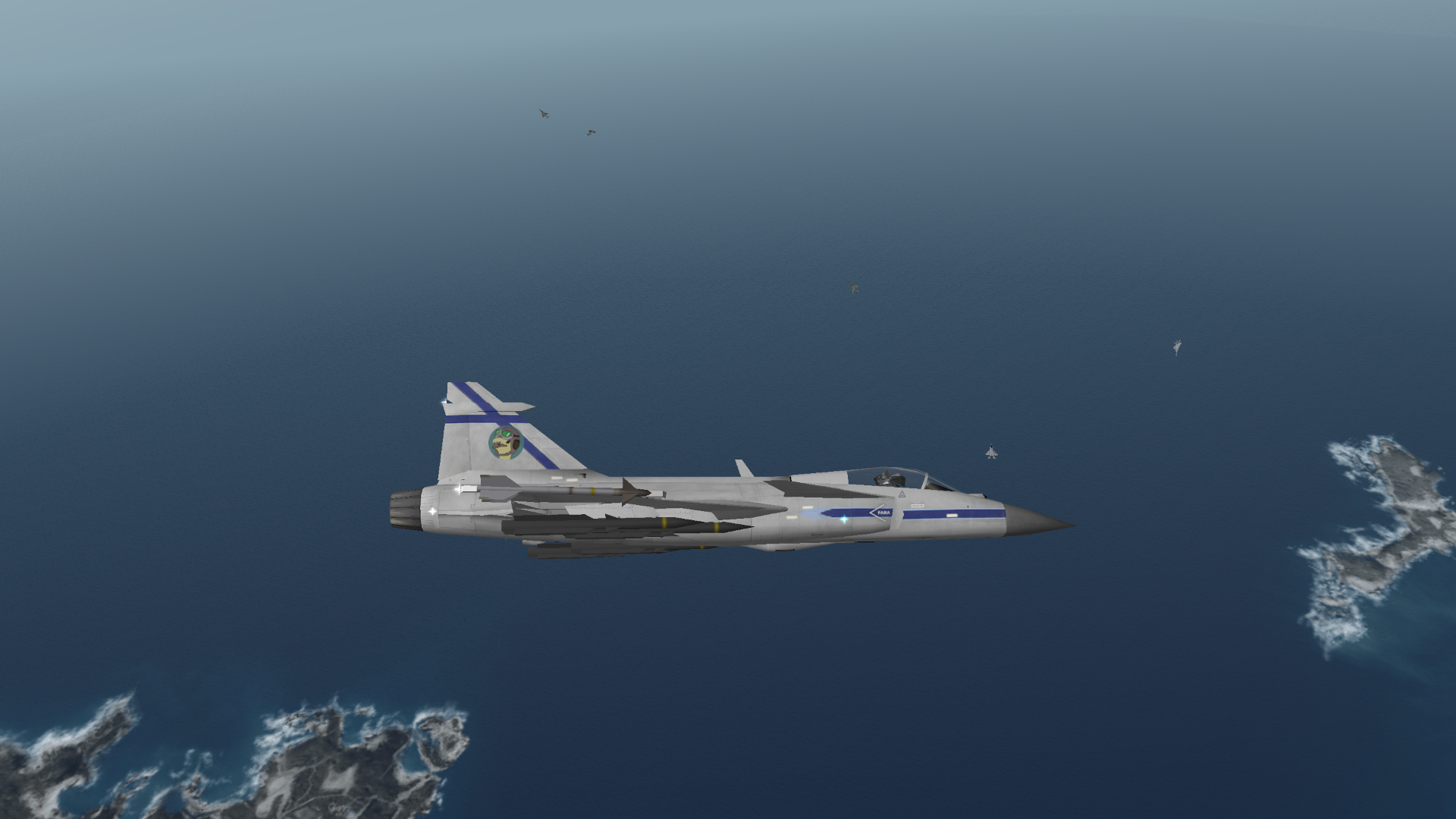
Credits
- Created by Ostrich using GIMP and Blender
- The HUD and Menus font (ACES5) by Roach Typografics
- Thanks to Abbanon for finding dozens of bugs; and the buddies on /aceg/ for providing a ton of feedback as this was being made.
- This pack wouldn't be possible without the excellent work done by the PPSSPP team.